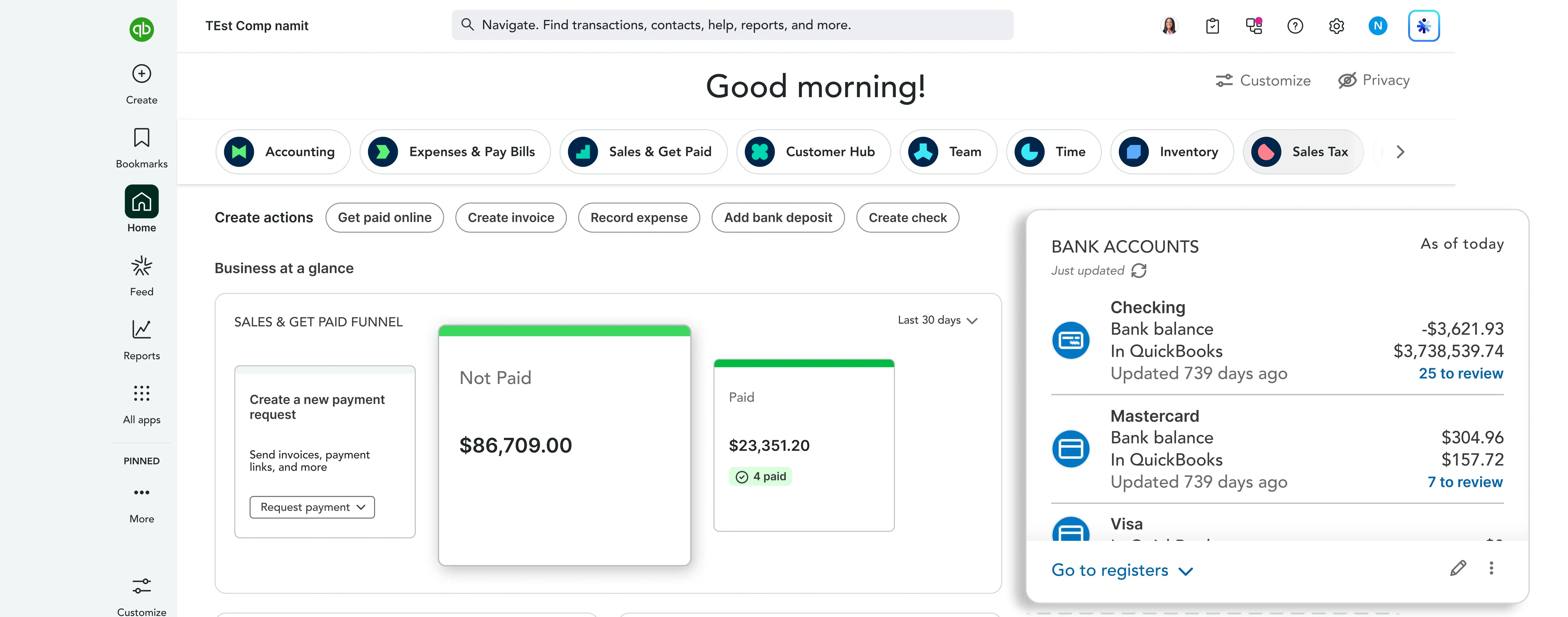
Company Connection - Links the business to the QuickBooks Online account, establishing the foundation for the sync
Who Benefits
FinanceSystem admins
Industry
Product
Audience
Purpose
Finance teams no longer need to enter the same data twice.
Managed connections and token handling reduce manual fixes.
Only approved and reviewed invoices are synced to QuickBooks Online.
Reliable synced data reduces reconciliation time during closing.
Challenge
The connection should stay healthy without constant manual fixes
Navigation
Finance teams need to trust what arrives in QBO
Data Trust
Initial linking should be clear and manageable
Connection Setup
Leadership needs a simple way to see the key numbers
Maintenance
The sync should be easy to look after
Detail
A sync that breaks regularly forces finance teams to babysit the integration instead of trusting it to run on its own
Data Trust
If synced data can't be trusted, teams end up double-checking figures manually, defeating the purpose of automation
Connection Setup
A confusing or fragile setup process makes onboarding the integration harder than it needs to be
Maintenance
Ongoing upkeep — refreshing tokens, checking sync status — shouldn't require specialist knowledge or constant attention
What We Built
Guides users through the initial link between the business system and QuickBooks Online
Token Handling
Keeps the login healthy over time by managing token refresh automatically
Sync Rules
Controls what gets pushed to QuickBooks Online and when it happens, based on approved invoices
Why It Matters
Setup becomes a clear, guided process instead of a confusing technical hurdle for finance teams
Token Handling
The connection stays reliable without finance or admin staff needing to intervene manually to keep it alive
Sync Rules
Finance teams can trust that only reviewed, approved data reaches QBO — nothing pushes automatically without oversight
Company Connection - Links the business to the QuickBooks Online account, establishing the foundation for the sync
Token Refresh - Keeps the login healthy over time, so the connection doesn't quietly break and require manual reconnection
Sync Monitoring - Shows the current sync status at a glance, giving finance and admin teams visibility without digging
Approved Syncs - Pushes the right data to QuickBooks Online only after review, keeping finance teams in control of what gets synced
Backend


Frontend / Templating
Authentication
Automation
Integration
Reduced Duplicate Data Entry
Finance teams no longer have to move the same data twice between the business system and QuickBooks Online
Reliable Integration
Managed connection and token handling keep the integration running without constant manual fixes
Trusted Invoice Sync
Approved invoice sync means the data reaching QuickBooks Online is already reviewed and trustworthy
Lower Maintenance Effort
Ongoing maintenance of the connection requires far less manual attention from finance or system admins
Faster Month-End Close
With dependable, trusted data already synced, closing the books takes less reconciliation time
Optimize your cloud infrastructure, implement robust solutions, and stay ahead of trends with our resource hub.
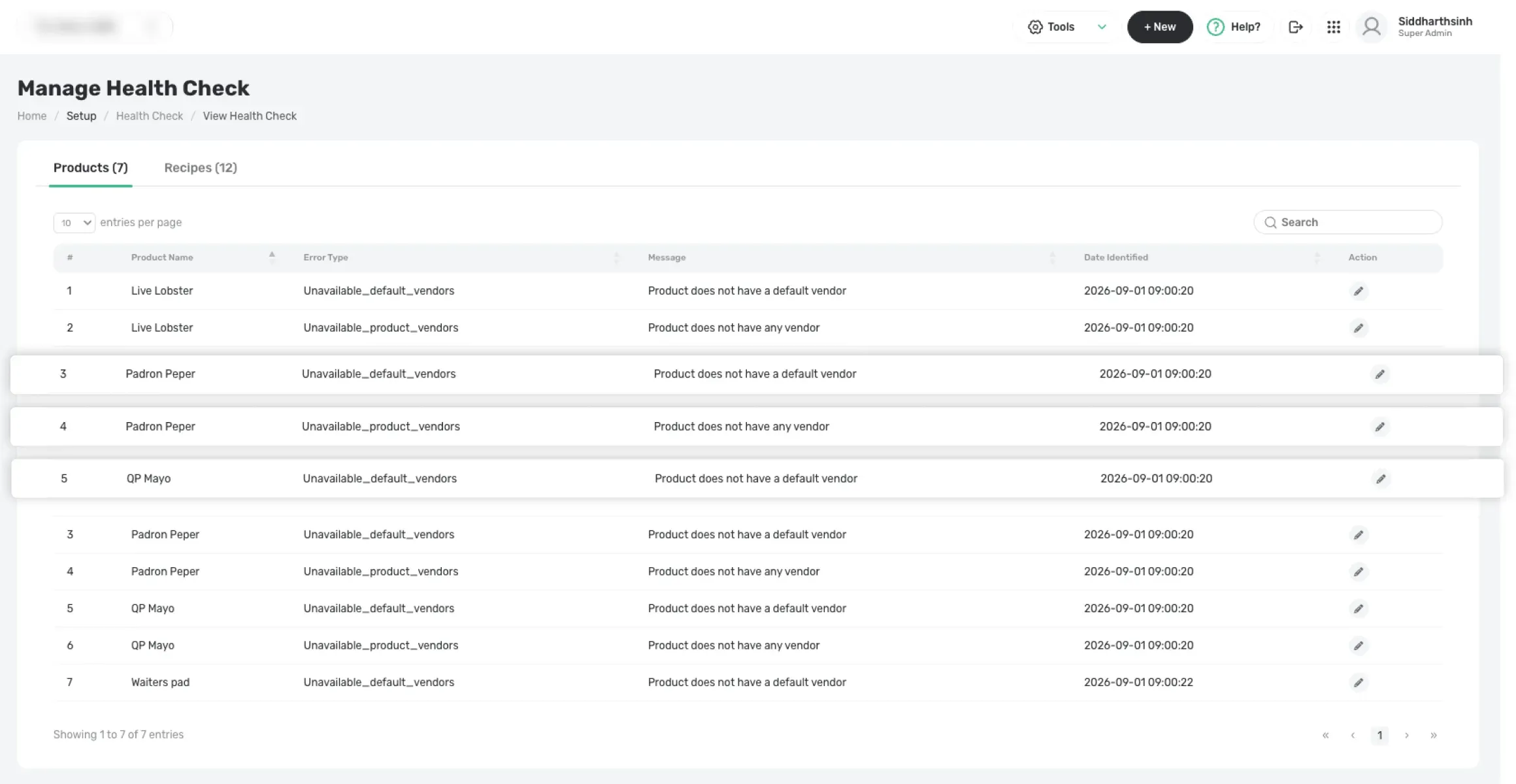
Explore a restaurant product and recipe data platform designed to centralize product information, manage recipes, and improve operational data consistency.
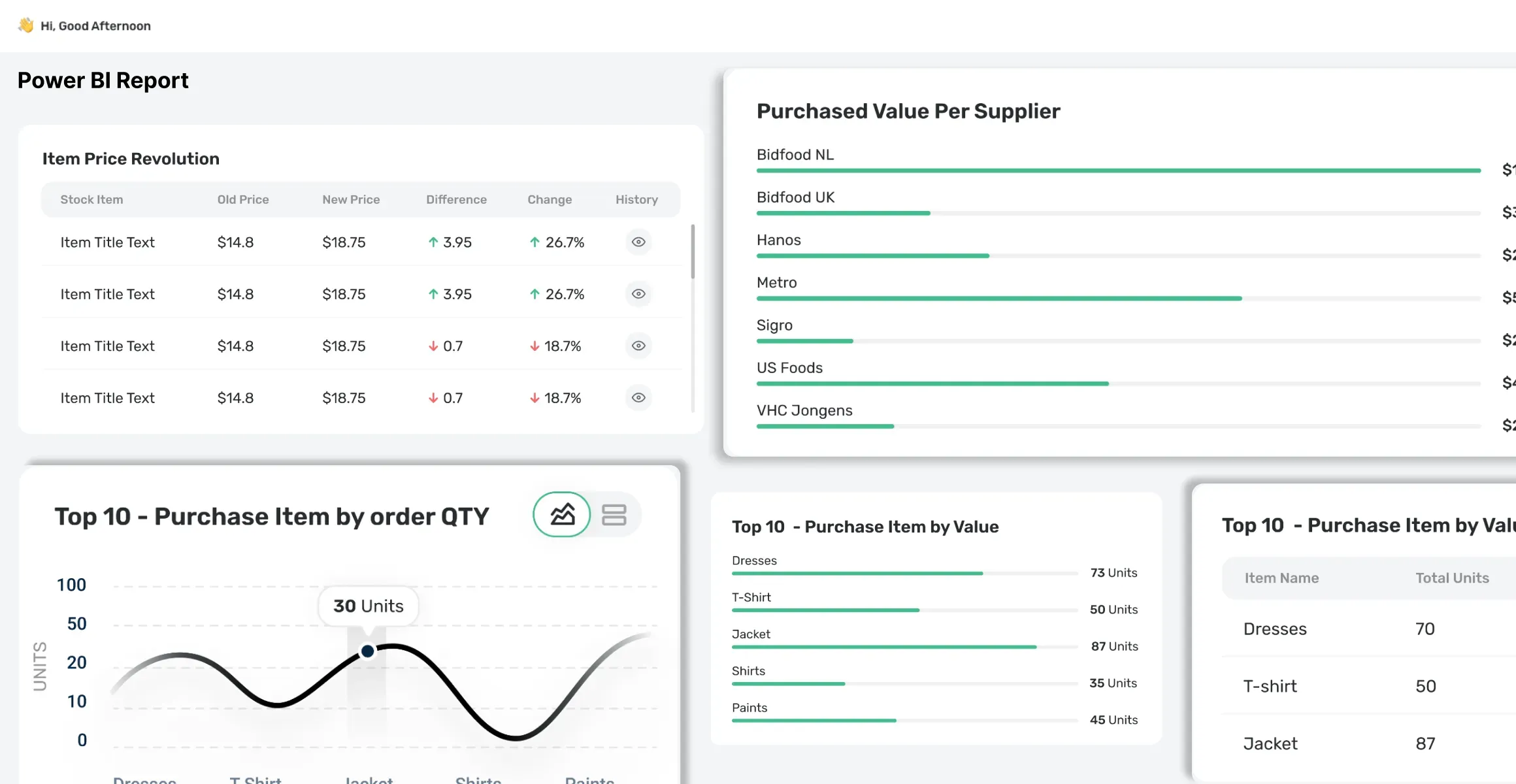
Discover how restaurant and hospitality reporting helps leaders track performance, analyze operations, improve visibility, and make data-driven decisions.
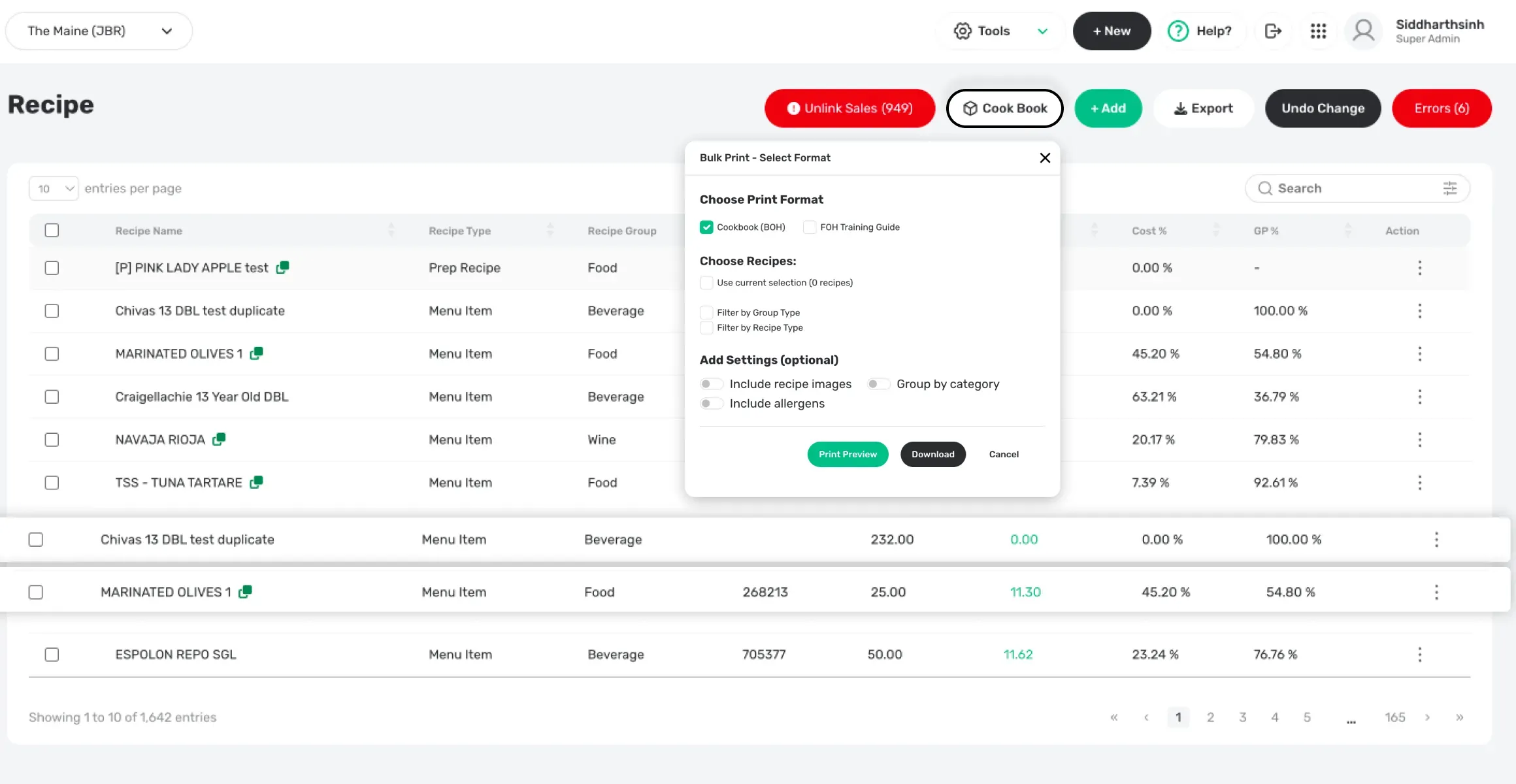
Discover how recipe and menu control solutions help kitchens manage recipes, standardize menus, and maintain consistent food operations across locations.
Join 100+ teams scaling with Cinovic. Fill out the form below to get personalised tour of the platform.
Restaurant and hospitality reporting provides leaders with clear insights into business performance, operations, sales, and key performance indicators to support better decision-making.
Reporting helps leaders monitor performance, identify operational trends, understand business results, and make informed decisions based on data.
Restaurant reporting can track metrics such as sales performance, revenue, operational performance, customer activity, and other business KPIs.
Yes. Reporting solutions can bring data from different business systems into a centralized view, making it easier for restaurant and hospitality leaders to analyze performance.
By providing timely and organized business insights, reporting enables leaders to identify trends, compare performance, and make data-driven operational and strategic decisions.